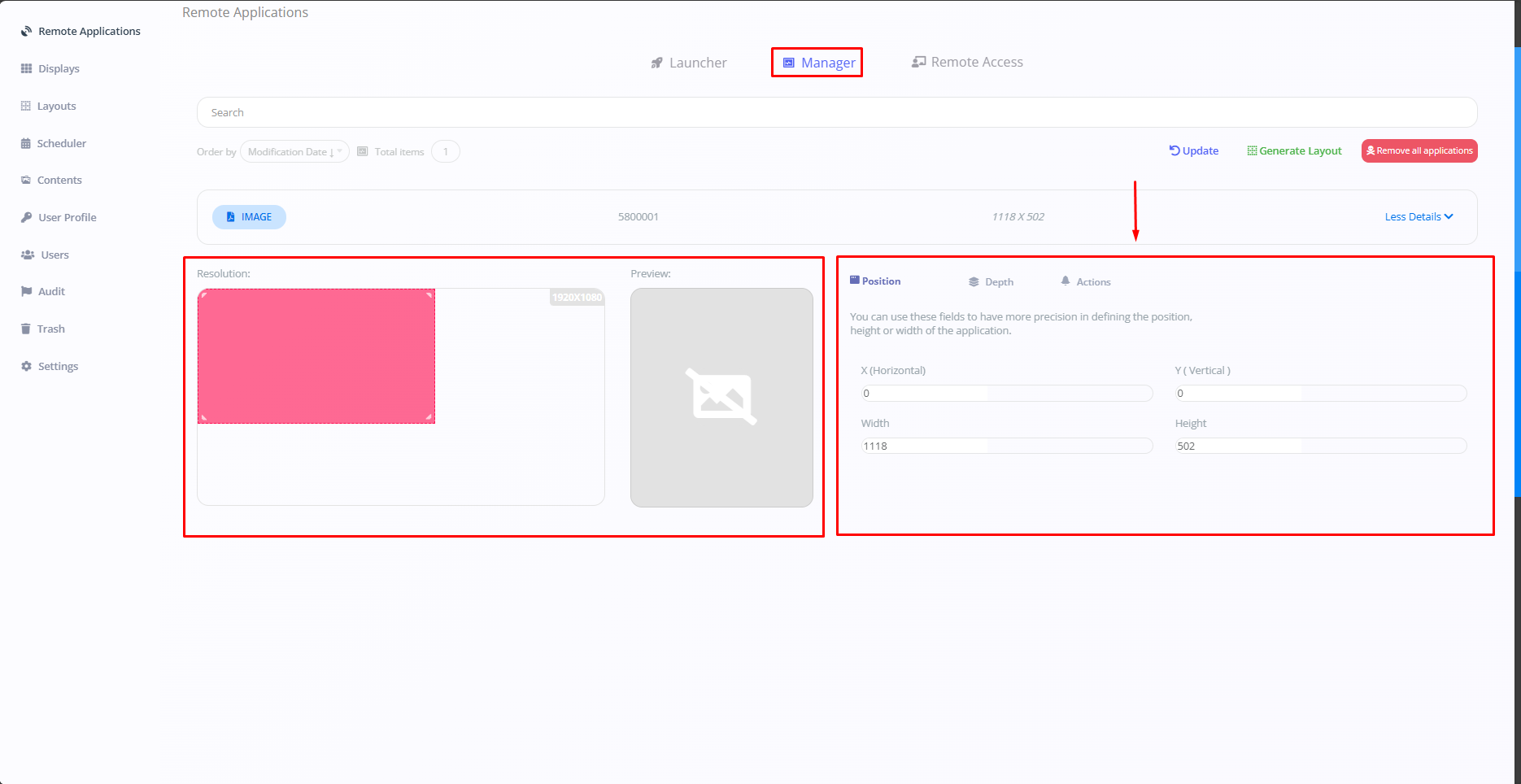
Adjusting the Manager
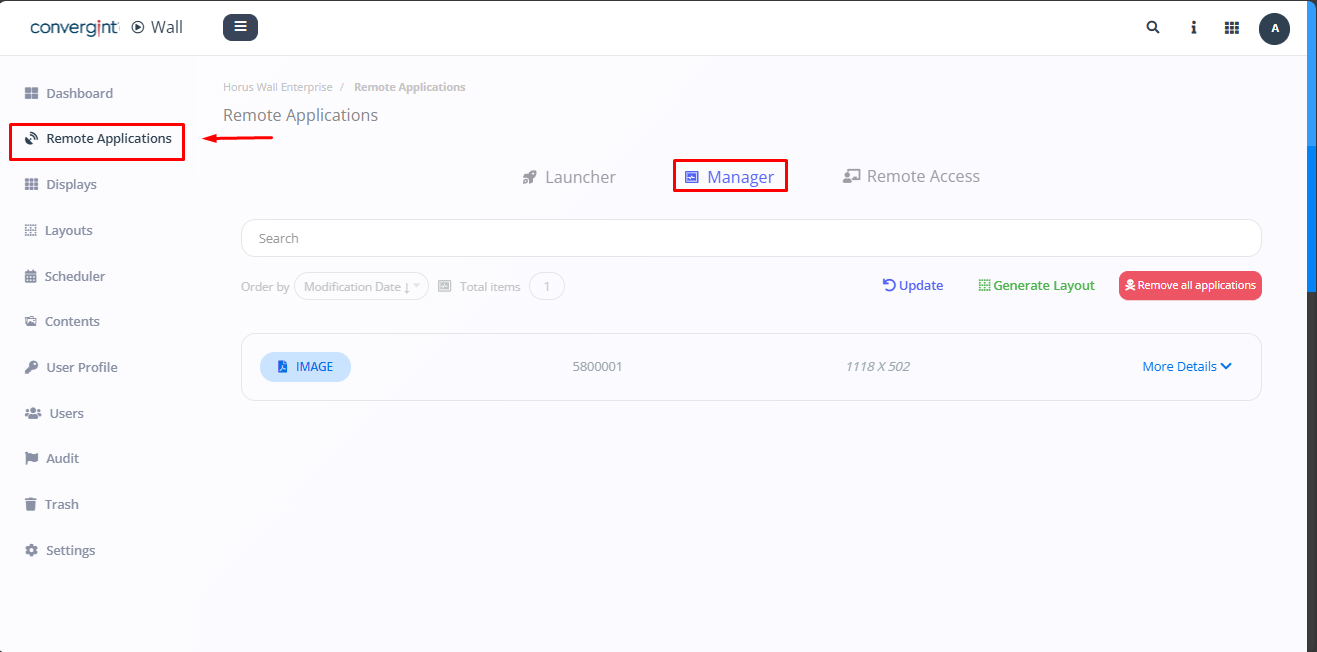
The first step is to go to the "Remote Applications" tab. Then click on "Manager" (highlighted). The Manager allows you to create layouts and offers other features, such as viewing a released preview.
After carrying out the previous procedure, click on the icon located at the top right under "More actions" to check and adjust what you want.